

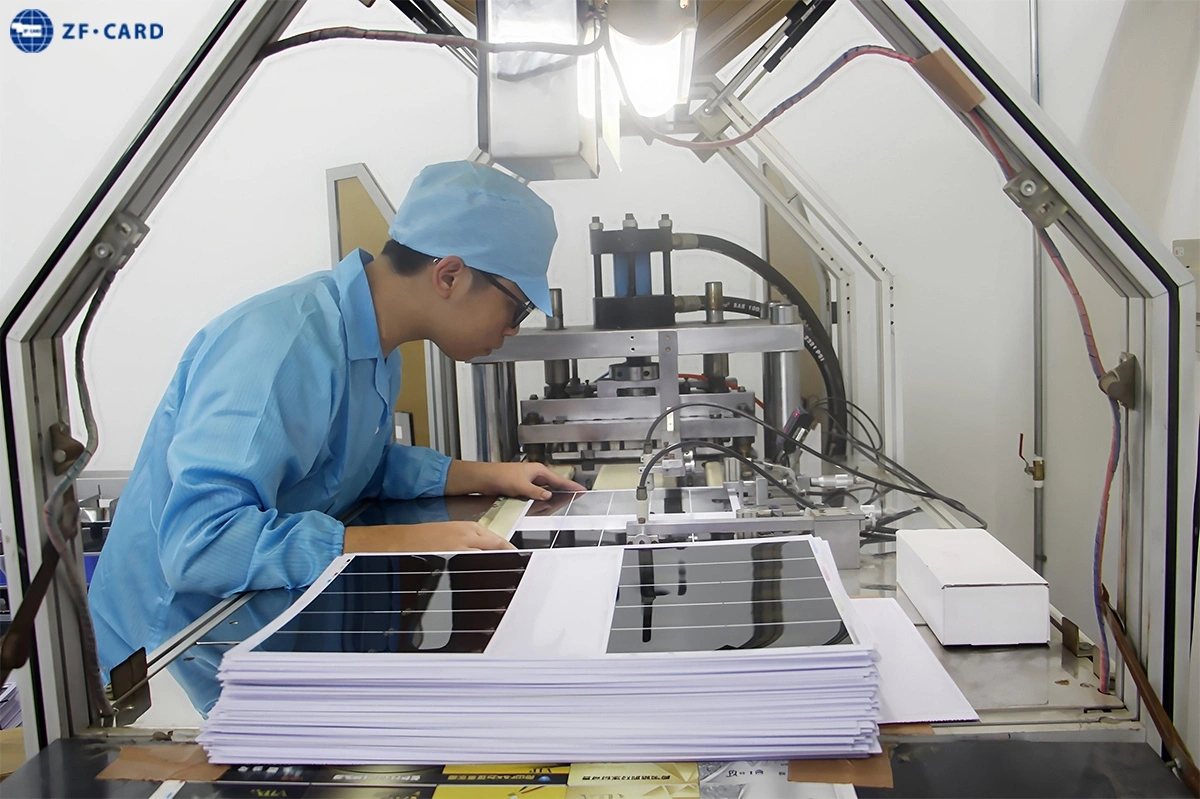
Introduction
Choosing an RFID card printing method is not only a graphic-design decision. Buyers must determine which content stays the same across the order, which data changes on every card, whether cards will be printed again after delivery, and who will encode the chip. Drawing on long-term smart-card manufacturing experience, ZFCARD treats printing, surface finishing, personalization and encoding as one connected workflow. This guide covers factory pre-printing and later card personalization, not RFID label printers or desktop printer purchasing.
Quick Answer
Separate fixed artwork from variable information before comparing equipment or prices. Use production printing, such as offset or screen printing, for logos, backgrounds and text repeated across the batch. Use direct-to-card, retransfer, thermal transfer, inkjet or laser processes for names, photos, numbers and codes that change by card. Then confirm the finish, reorder pattern, in-house printer compatibility and encoding responsibility. Approve a sample that reproduces the final issuance workflow, not only the background design.
First Decide Between Pre-Printing and Personalization
A card may need one process for its repeated background and another for individual cardholder data. Defining those two layers first prevents buyers from selecting a method that cannot support later issuance.
Factory Pre-Printing for Repeated Artwork
Factory pre-printing is used for content shared by the whole batch, including logos, brand colors, fixed text, backgrounds and standard layout fields. These elements are normally produced before the cards are delivered for final issuance.
Personalization for Unique Card Data
Personalization adds information that changes from card to card, such as names, portraits, employee numbers, barcodes, QR codes, expiration dates and serial numbers. It may be completed by the manufacturer, the buyer’s card office or a system integrator.
When to Use a Hybrid Workflow
Many B2B orders use a hybrid process:
- The manufacturer prints the common background.
- Unique visual data is added later.
- The chip is encoded for the target system.
- Visible numbers and electronic records are checked.
This approach is useful when an initial bulk order will be followed by smaller replacement batches. The approved base design remains consistent while user data can be added when needed.
Compare the Main RFID Card Printing Methods
| Method | Best Suited To | Main Advantage | Confirm Before Ordering |
|---|---|---|---|
| Offset printing | Repeated full-color artwork, photos and gradients | Consistent batch production | Proofing, lamination and reorder plan |
| Screen printing | Solid colors, spot colors and logos | Strong coverage in defined areas | Color count, detail and process combinations |
| Direct-to-card | Names, photos and numbers | Flexible on-demand personalization | Edge coverage and card flatness |
| Retransfer | Full-bleed personalized graphics | Film transfers the image to the card | Equipment, film and surface compatibility |
| Thermal transfer | Text, numbers and barcodes | Sharp variable information | Printable surface or compatible overlay |
| Inkjet or coding | Sequential marks and simple codes | Flexible inline marking | Adhesion and protection |
| Laser marking | Permanent identifiers | Durable mark without conventional ink | Material, position and color result |
Offset Printing for Repeated Full-Color Artwork
Offset printing is generally used for identical artwork across a production order. It suits multicolor backgrounds, photographs and gradients that must remain consistent from card to card. The artwork is produced during card manufacturing, then laminated, cut and personalized. Order economics depend on the supplier, artwork and setup, so there is no universal quantity threshold.
ZFCARD lists offset and screen printing among its card-production options, allowing repeated graphics and selected solid-color areas to be reviewed as one production plan.
Screen Printing for Solid and Special-Effect Areas
Screen printing applies each color separately and is often selected for bold solid areas, defined spot colors or simple logos. It can complement offset printing rather than replace it. For example, a full-color background may be offset printed while a selected logo uses a separate screen-printing step.
Special inks and decorative effects must be confirmed for the actual material and finishing sequence; listed capabilities are not automatically compatible in every combination.
Direct-to-Card and Retransfer for Individual Cards
Direct-to-card printing creates the image directly on the finished card. It is practical for short runs, replacement cards and in-house issuance where names, photos and numbers change continuously.
Retransfer printing first prints the image on a film and then applies it to the card. This can provide more complete edge coverage and may handle surface variation better. However, results still depend on the printer, film, card construction and settings.
They support individual personalization rather than replacing industrial pre-printing.
Thermal Transfer, Inkjet and Laser for Variable Information
Thermal transfer is suitable for sharp text, serial numbers and barcodes. Inkjet or coding processes can add production numbers or simple changing marks. Laser marking can create permanent identifiers where the card material and design allow it.
Choose according to the required mark. A durable monochrome serial number and a full-color portrait usually require different processes.
Match the Artwork and Finish to the Process
Photos and Gradients vs. Solid Brand Colors
Photographs and smooth gradients require continuous color transitions. A solid corporate color may instead need a defined CMYK build, Pantone reference or spot-color process.
A screen preview is not a final color standard because monitors, substrates, inks and protective layers reproduce color differently. Projects with strict brand-color requirements should approve a physical sample or production-representative proof.
Full-Bleed Printing and Card Edges
State whether the artwork must reach the card edges. Industrial pre-printing and retransfer are commonly considered for edge-to-edge graphics, while some direct-to-card printers may leave a narrow border.
Review corners, registration and any visual transition around structural features. A sample that looks correct only in the center does not confirm the finished edge result.
Glossy, Matte, Frosted and Printable Areas
Glossy, matte and frosted surfaces affect appearance and handling, but they can also influence later printing or marking. ZFCARD's blank-card specifications combine these surface options with thermal, laser, serial-number and embossing processes, showing why finish and post-processing must be assessed together.
When the buyer will personalize cards after delivery, identify the printable area before production. Decorative coatings, textures or raised features should not be placed there without compatibility testing.
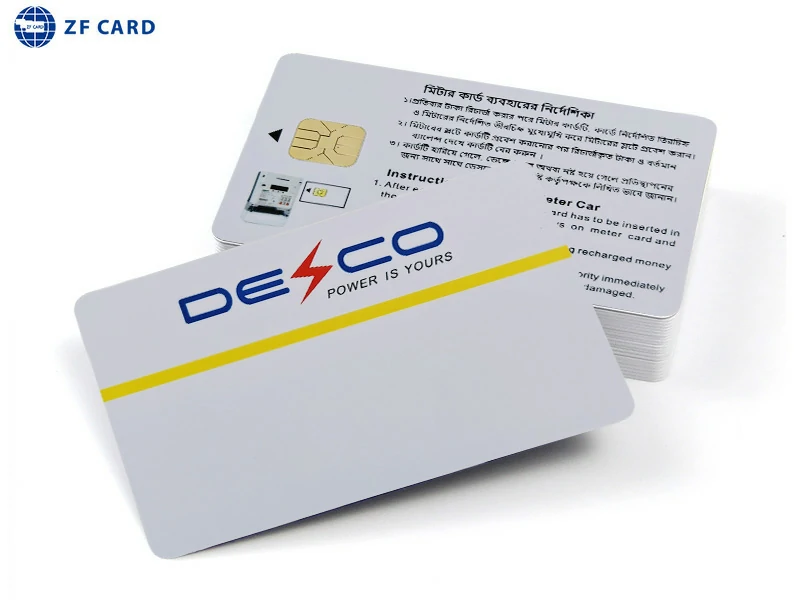
Explore ZFCARD’s RFID card range for custom printing, surface finishing, personalization and chip configurations matched to the intended application.
Plan Personalization and Encoding Before Production
RFID card printing creates visible information. RFID encoding writes data to the chip. They must be planned separately.
Separate Visible Data from Chip Data
A number printed on an employee card might be an employee ID, issuance number or database reference. The chip may contain a different credential or identifier. Buyers should define whether the visible number must match, map to or remain independent from the encoded data. Printing a number does not encode the chip.
Decide Who Will Personalize the Cards
Confirm whether personalization will be handled by the manufacturer, the buyer’s card office, a system integrator or several parties. If the buyer will add names and photos internally, provide the printer type, print area and surface requirement. If the manufacturer will personalize and encode, provide controlled data files and clear matching rules.
For a ZFCARD custom order, this determines whether cards should be delivered fully finished, pre-printed for later issuance or processed with both visual personalization and encoding.
Test the Actual Printer and Reader Workflow
A production-representative sample should be tested with the planned equipment:
- Print the variable fields.
- Scan the barcode or QR code.
- Read or encode the chip.
- Check the printed and electronic records.
- Inspect the card after normal handling.
This reveals incompatibility, unreadable codes or mismatched data before production.
Use This Five-Step Selection Checklist
1. Separate Fixed and Variable Content
List repeated logos, backgrounds and standard text separately from names, photos, numbers and codes.
2. Define the Required Visual Effect
Specify photographs, gradients, spot colors, full-bleed artwork, special effects and the required surface finish.
3. Confirm Order and Reorder Patterns
Consider the first quantity and future replacements. Frequent small reorders may favor a stable pre-printed base combined with flexible later personalization.
4. Define Personalization and Encoding Responsibilities
Document who prints unique fields, who encodes the chip, how data is supplied and whether visual and electronic identifiers must correspond.
5. Approve a Production-Representative Sample
The sample should include the intended background, finish, variable data, code, personalization method and chip requirement. Approving only the base design leaves the most important workflow risks untested.
What to Send the Manufacturer
A useful RFID card printing service request should include:
- Card type, material, size and chip requirement
- Initial quantity and expected reorder pattern
- Fixed artwork and color references
- Required surface finish
- Variable fields such as names, photos and numbers
- Barcode or QR-code requirements
- RFID encoding instructions
- Responsibility for later printing and issuance
- Printer and reader information when testing is required
- Sample and acceptance requirements
This helps the supplier recommend a complete process rather than isolated features.
Conclusion
Choose an RFID card printing method only after separating repeated artwork from variable data. Use production printing for common backgrounds, personalization processes for unique cardholder information and a separate plan for chip encoding. Then check how the finish, edge coverage, reorder pattern and issuance equipment affect the workflow. Several methods may be combined, but the final sequence should be verified on a representative sample before full production.
FAQ
Can Different Printing Methods Be Used on the Two Sides?
Yes. One side may use a repeated full-color background while the other carries variable information. The full lamination and personalization sequence must still be reviewed so that one process does not compromise the opposite side.
How Should Replacement Cards Be Managed?
Keep the approved artwork, color references and personalization template under version control. Define who produces replacements and how old credentials are deactivated when a new card is issued.
Should Cardholder Data Be Included in the Artwork File?
Usually not. Supply fixed artwork separately from a structured data file containing names, numbers and other changing fields. Use clear image-matching rules and an agreed secure transfer method for sensitive data.
Can Embossing Be Added to an RFID Card?
Potentially, but the position, card construction, antenna area, artwork and surface layers must be evaluated together. Confirm the proposed embossing on a representative sample before production.
Must the Printed Number Match the Chip UID?
No. A printed number, employee ID and chip UID may serve different purposes. They only need to match when the system design requires it, and that relationship should be documented explicitly.